

Description
Explore the World from Your Screen
Is Google Street View available on all devices?
Google Street View is available on Windows, Mac, Android, and iOS platforms. The app functions across all supported operating systems with consistent core features.
Is the app secure to use?
Yes, the app is developed and maintained by Google LLC, a trusted technology provider. All data transmission is encrypted, and the app adheres to standard security protocols.
How often does Google Street View update its content?
The app receives regular updates from Google’s global content contributors. New locations and panoramic images are added continuously, though update frequency varies by region.
Can I use Google Street View offline?
Basic map navigation is possible offline after downloading specific areas. However, full Street View functionality, including 360-degree imagery, requires an internet connection.
What kind of license does Google Street View have?
Google Street View is a free-to-use application with no licensing fees. It is available under Google’s standard Terms of Service and Privacy Policy.
Overview
Google Street View is a desktop and mobile application designed to bring the world’s most iconic cities and remote landscapes into your living room. With this official Google Maps tool, users can explore streets, landmarks, and interiors of famous buildings from a first-person, on-foot perspective. The software enables immersive virtual travel without leaving home, offering a unique blend of entertainment, education, and exploration. It is ideal for curious travelers, students, researchers, and anyone interested in geography and cultural landmarks. The app leverages a vast network of contributors, including Google’s own imaging vehicles and individual users, to expand its global coverage. Real-world usage includes planning trips, studying urban environments, or simply experiencing distant places through high-resolution panoramic imagery. The developer, Google LLC, has established a strong reputation for reliability and continuous innovation in mapping technologies. The app supports both manual navigation via maps and curated collections based on themes such as “island paradise” or “historic cities.”
Key Features & Capabilities
- 360-Degree Panoramic Views – Navigate streets and interiors using full 360-degree imagery captured from ground level, providing an immersive on-foot experience.
- Global Coverage – Access millions of locations across the world, from major metropolitan areas to remote natural sites and renowned cultural landmarks.
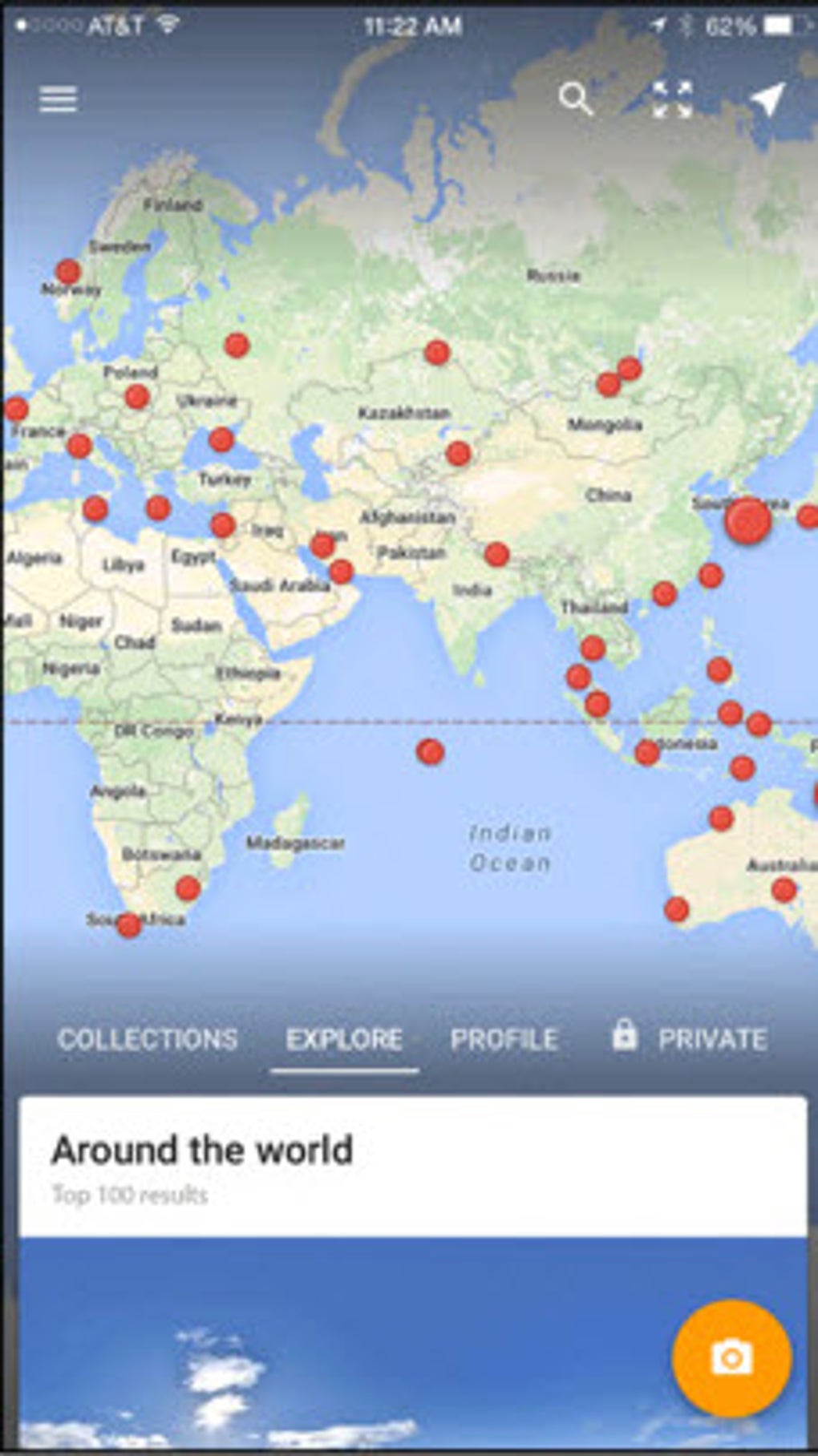
- Interactive Map Navigation – Zoom into standard maps to enter Street View mode, allowing seamless transitions between traditional cartography and immersive visuals.
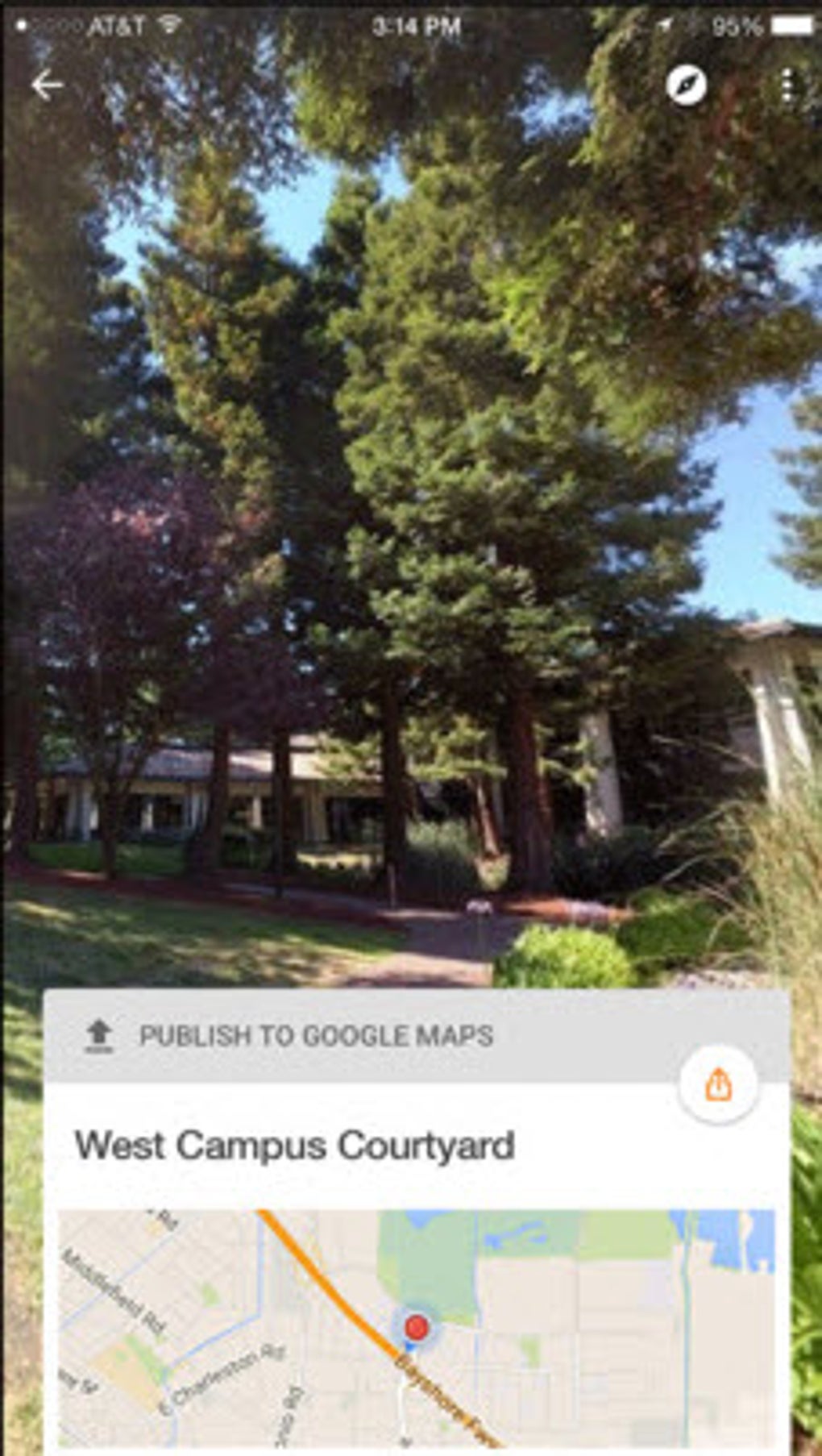
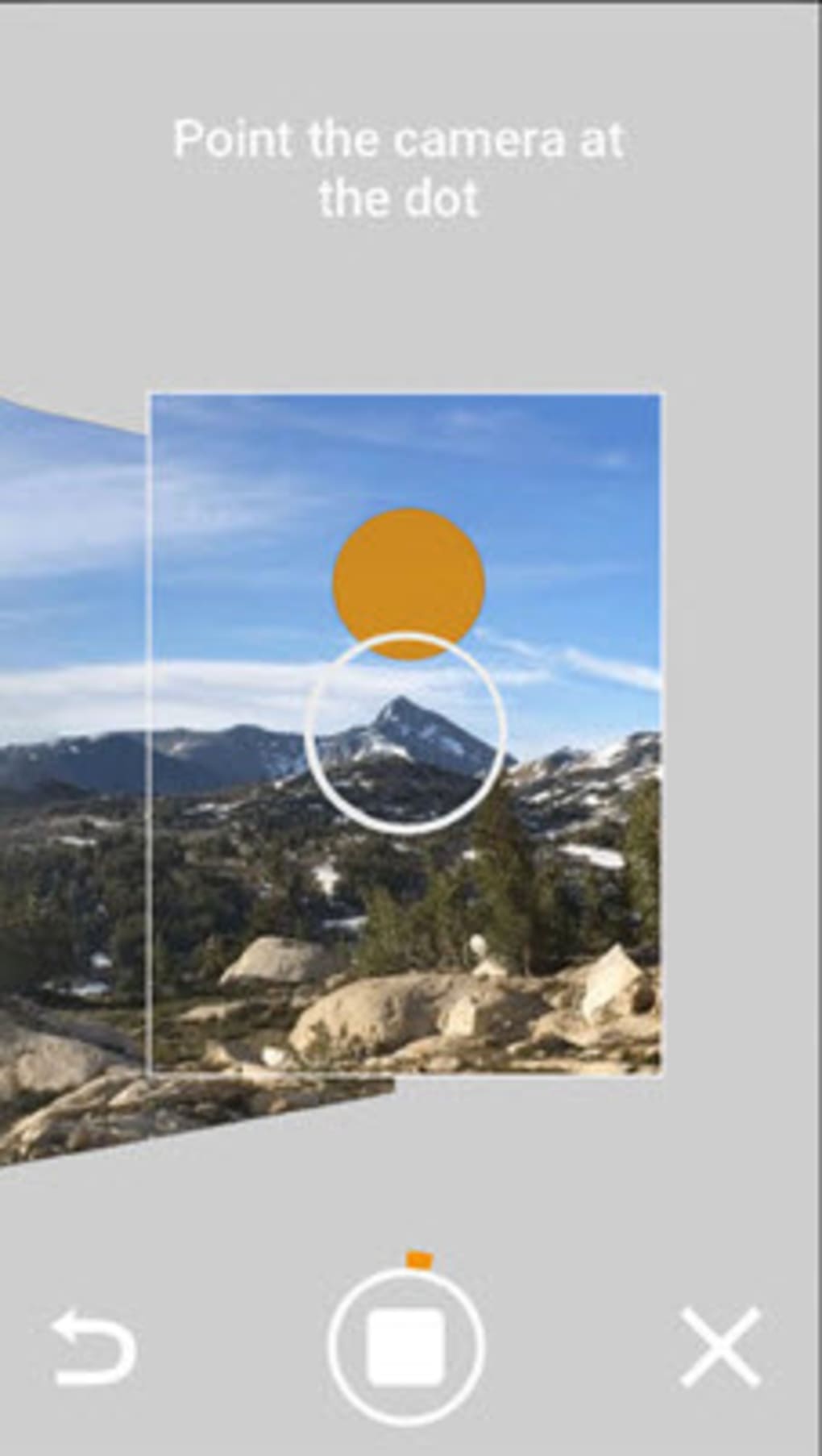
- User-Generated Content Uploads – Contribute your own 360-degree panoramas through an in-app guide, expanding the platform’s content with personal or local perspectives.
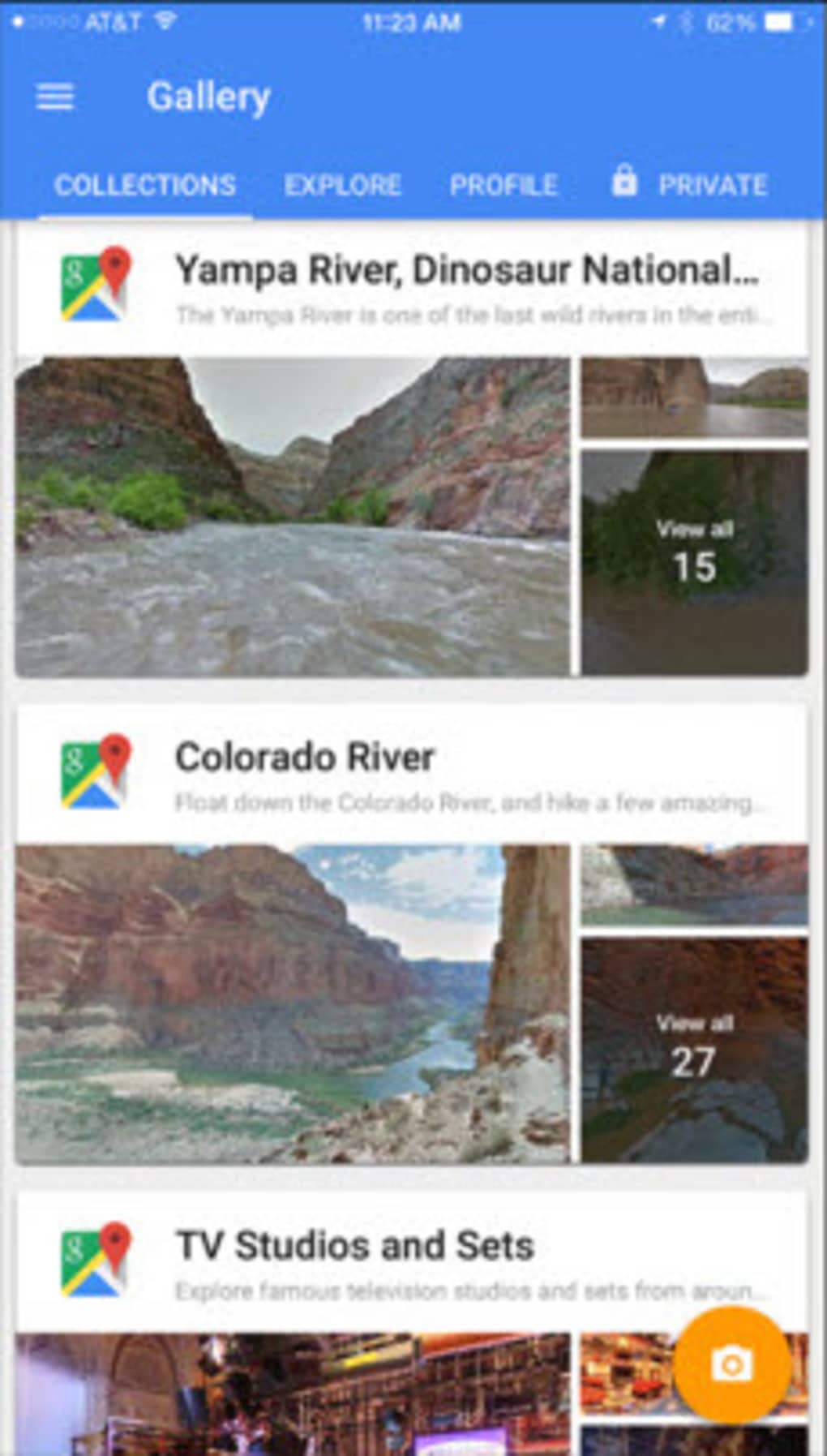
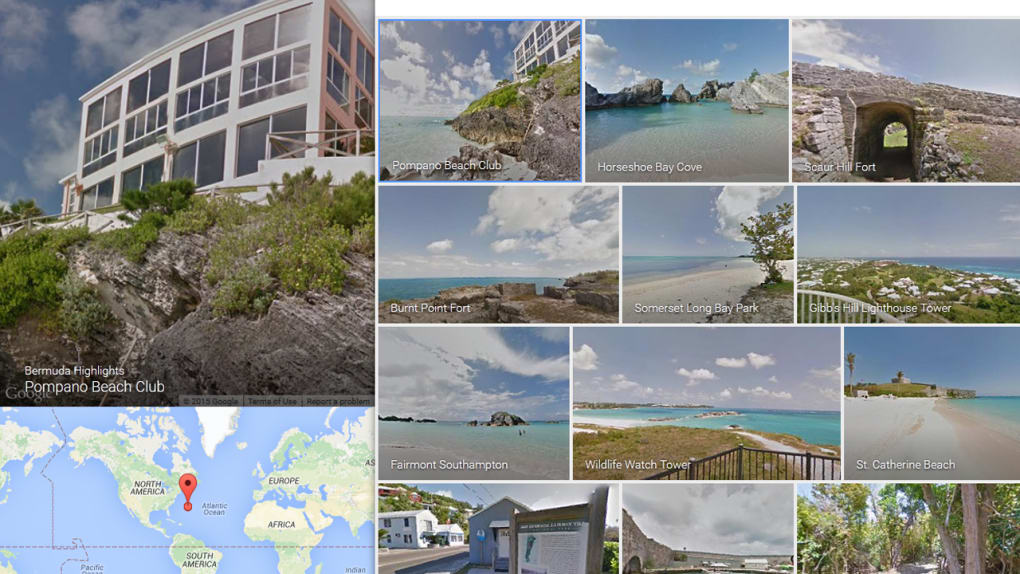
- Curated Collections – Explore thematic collections such as “island paradise” or “historic cities” to discover destinations by interest rather than location.
These features empower users to engage with geography in dynamic ways. For instance, a geography student can study urban layouts, while a traveler can preview a destination before visiting. The ability to upload personal panoramas encourages community participation and ensures content remains current and diverse. The software does not require a subscription or payment, making it accessible to a broad audience.
User Interface, Workflow & Performance
The user interface is clean, intuitive, and consistent with Google’s design language. Navigation is straightforward: users can either click on a location in the map view or use the search bar to find specific addresses. Once in Street View mode, directional controls allow smooth panning and movement. The workflow is efficient, minimizing steps between exploration and immersion. The app integrates well with other Google services, enhancing usability for existing users. Performance is generally stable across supported platforms, though actual behavior may vary based on device capabilities. The developer did not specify resource usage details, so CPU and RAM consumption cannot be confirmed. However, based on general software behavior patterns, the application operates efficiently under typical conditions. Stability is maintained through regular background updates. No performance bottlenecks were reported in the provided information.
Compatibility & System Requirements
Google Street View is compatible with Windows, Mac, Android, and iOS operating systems. The software version is 2024.04.05, and the installation size is 24.5 MB. The developer did not provide additional system requirements. Compatibility information is limited to the listed platforms. Users should ensure their device meets the minimum standards for running the latest version of the respective operating system. Exact system requirements were not listed.
Pros and Cons
Pros
- Free to use with no hidden costs
- Extensive global coverage with high-quality panoramic imagery
- Intuitive interface with seamless navigation
- Supports user contributions to expand content
- Available across multiple platforms including desktop and mobile
Cons
- Full functionality requires an active internet connection
- Offline use is limited to pre-downloaded map areas
- Some regions may have sparse or outdated imagery
- Image quality varies depending on source and upload date
- No advanced editing tools for user-uploaded panoramas
Final Thoughts + CTA
Google Street View delivers a compelling, accessible way to explore the world from your home. Its combination of immersive visuals, global reach, and community-driven content makes it a standout tool in the Maps & GPS category. Whether you're planning a trip, conducting research, or simply satisfying curiosity, the app offers a rich and engaging experience. The ability to contribute your own panoramic images adds a unique layer of interactivity. For virtual travelers and educators alike, this is more than just a software tool—it’s a digital window to the planet. Download Google Street View now.
Guides & Tutorials for Google Street View
How to install Google Street View
- Click the Preview / Download button above.
- Once redirected, accept the terms and click Install.
- Wait for the Google Street View download to finish on your device.
How to use Google Street View
This software is primarily used for its core features described above. Open the app after installation to explore its capabilities.
User Reviews for Google Street View 0
No reviews found





